Syncing Strategies in Atlas Trade AI
See how a supported strategy can be connected to a compatible brokerage account and configured using the controls available inside Atlas Trade AI.
From Strategy Selection to Configuration
Syncing is where a selected strategy, a compatible brokerage account and the user's chosen platform settings come together.
Select the Connection
See where a compatible connected brokerage account is selected for the strategy.
Configure Settings
Review where available allocation and risk-related controls are presented during the workflow.
Complete the Sync
See how the platform moves from strategy review into a configured brokerage connection.
The Point Where the Pieces Come Together
The syncing workflow brings together a supported strategy, a compatible brokerage connection and the user's selected settings. This video demonstrates the platform process without recommending a particular brokerage, allocation or risk level.
Available settings and brokerage functionality can differ by brokerage, account type and platform feature.
Related Atlas Trade AI Videos
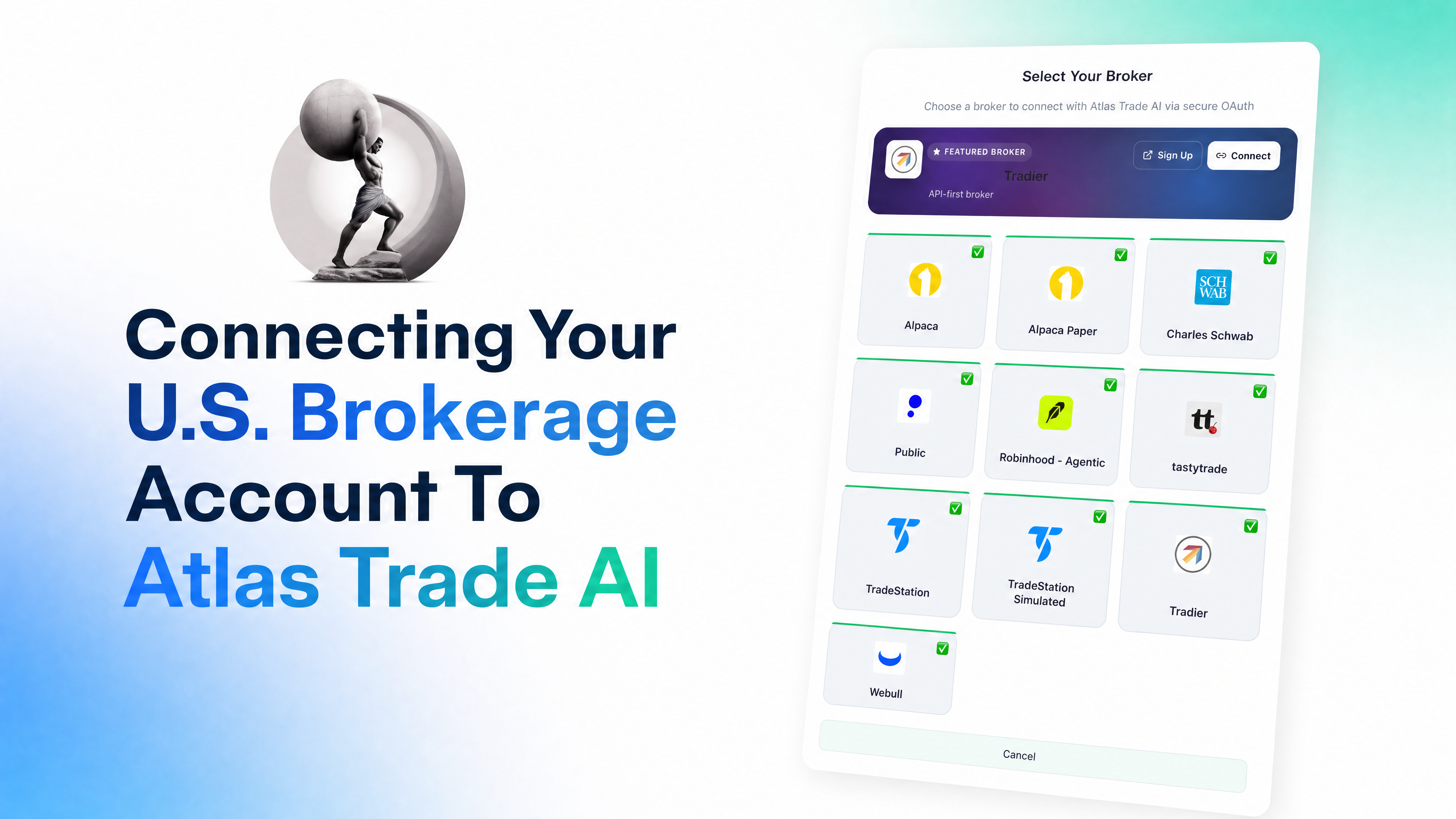
Explore Brokerage Compatibility
Review the current supported brokerages and account types or return to the full video library.